MarTech And The Local Business
As a business owner, it’s important to stay up-to-date on the latest marketing technology (MarTech) and how it can benefit your business. In this post, I want to talk about the benefits of improving your MarTech stack, specifically for local businesses.
First, let’s define MarTech. Simply put, it refers to the various tools and software that businesses use to improve their marketing efforts. This can include everything from email marketing platforms and social media management tools to analytics software and CRM systems.
So, what are the benefits of improving your MarTech stack as a local business? One of the biggest benefits is the ability to better target and personalize your marketing efforts. With the right MarTech tools, you can segment your audience and tailor your messaging and marketing campaigns to specific segments. This can lead to higher conversion rates and more customer loyalty.
Another benefit of improving your MarTech stack is the ability to better track and measure the effectiveness of your marketing efforts. With the right analytics tools, you can get a better understanding of what’s working and what’s not, and adjust your strategy accordingly. This can help you save time and money by focusing on the marketing channels and tactics that are delivering the best results.
Another benefit of MarTech is the ability to automate certain marketing tasks, freeing up time and resources for more high-level strategy and creative work. This can be especially beneficial for small businesses that may not have the same resources as larger companies.
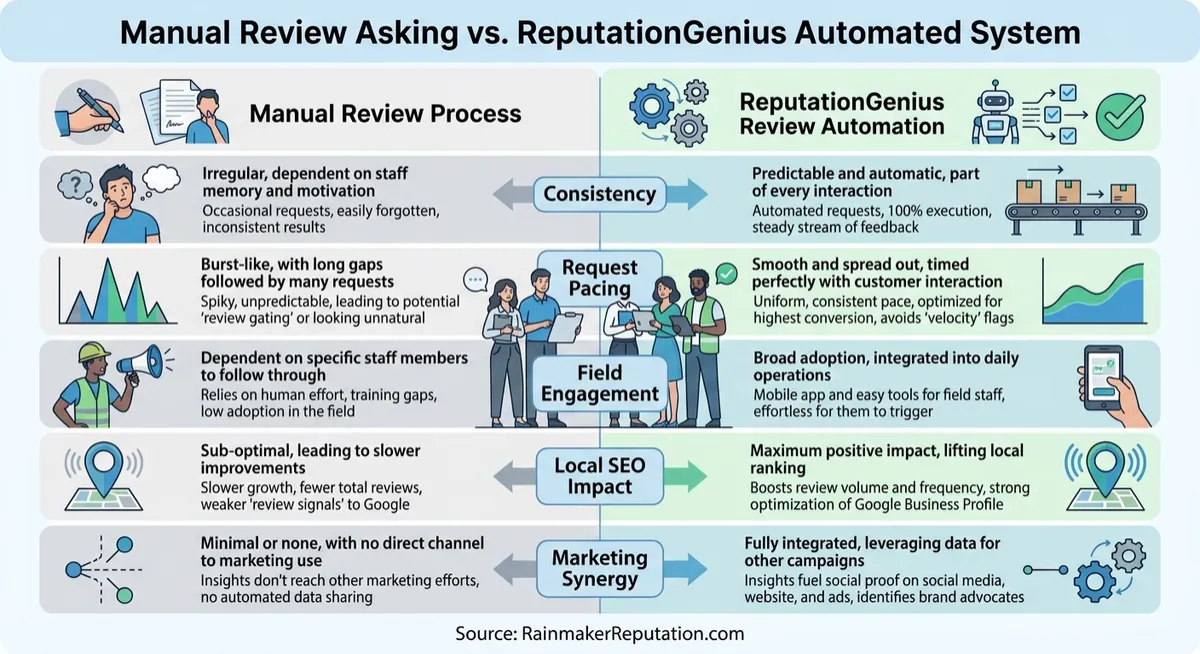
In addition, MarTech can help local businesses better connect with and engage with their customers. With tools like social media management and review management, you can more easily respond to customer inquiries and feedback, which can lead to improved customer satisfaction and loyalty.
So, how can you start improving your MarTech stack as a local business? The first step is to assess your current marketing technology and see what’s working and what’s not. This can help you identify any gaps in your stack and areas where you can improve.
Next, do your research and consider the various MarTech options that are available. There are many tools and platforms out there, so it’s important to choose the ones that are the best fit for your business and your marketing goals.
Finally, don’t be afraid to test out new MarTech tools and see how they work for your business. The beauty of MarTech is that it’s constantly evolving, so there are always new tools and platforms to try out. Just make sure to track your results and see what’s working and what’s not. We offer Marketing Technology consulting and implementation for local brands here at Rainmaker Reputation AI CRM.
The benefits of call tracking inbound calls and how it can benefit your business.
First, let’s define call tracking. Simply put, it’s the process of using a unique phone number or tracking code to identify the source of inbound calls to your business. This can include calls from your website, calls from online directories or listings, and calls from ads or other marketing efforts.
So, what are the benefits of call tracking inbound calls for a local business? One of the biggest benefits is the ability to track the ROI of your marketing efforts. With call tracking, you can see which marketing channels and tactics are driving the most calls and revenue for your business. This can help you understand what’s working and what’s not, and adjust your strategy accordingly.
Another benefit of call tracking is the ability to better understand your customers and their needs. By tracking the calls that come in to your business, you can get a better understanding of what your customers are looking for and how they found your business. This can help you tailor your marketing efforts and better meet the needs of your customers.
In addition, call tracking can help you identify opportunities for improvement in your customer service. By tracking calls and analyzing the call data, you can identify patterns and trends that may indicate areas for improvement in your customer service. This can help you better serve your customers and build their loyalty to your business.
So, how can you start using call tracking for your local business? The first step is to choose a call tracking platform that meets the needs of your business. There are many options available, so it’s important to do your research and choose a platform that fits your budget and provides the features you need. We offer a platform that can handle all your call tracking and call attribution needs. It’s just one of the many benefits offered in the entire suite.
By the way… did you know Google Business Profiles, offered by Google, now allow for Call Tracking from any local business’s Google Business Profile. It’s THAT important. We can help you with this important new feature if you have not enabled it yet. Reach out to us via our Webchat.
Next, set up your call tracking system and start tracking your calls. This will typically involve creating unique phone numbers or tracking codes for different marketing channels or campaigns. Make sure to track as much data as possible, including the source of the call, the duration of the call, and any notes about the call.
Finally, analyze the data you collect and use it to inform your marketing strategy. Look for patterns and trends that can help you better understand your customers and optimize your marketing efforts.
In conclusion, call tracking inbound calls can be a valuable tool for local businesses looking to track the effectiveness of their marketing efforts and better understand their customers. By choosing the right call tracking platform, setting up your system, and analyzing the data you collect, you can drive better results for your business and build customer loyalty. So, it is a great tool to have in your marketing stack.
In conclusion,
improving your MarTech stack as a local business can have a number of benefits, including better targeting and personalization, improved tracking and measurement, automation of certain marketing tasks, and better engagement with customers. By assessing your current stack, doing your research, and being willing to test out new tools, you can take your marketing efforts to the next level and drive better results for your business.
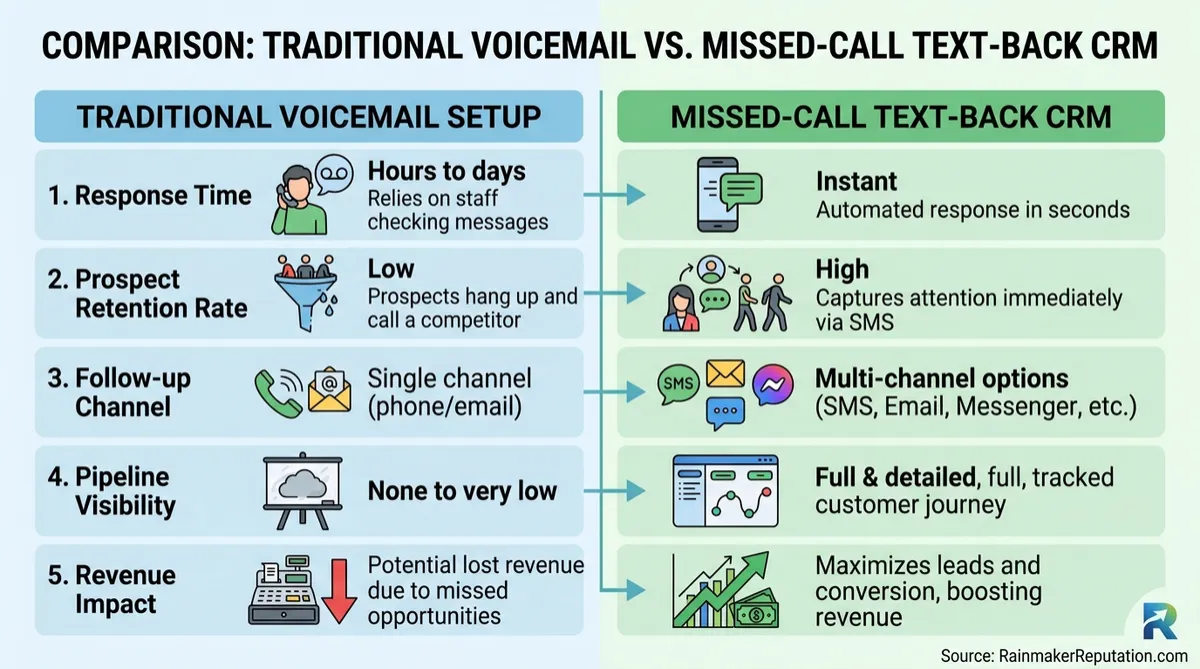
WhatsApp Templates: Personal Files — Rainmaker Reputation
WhatsApp Templates That Send Each Customer Their Own File
Here's what nobody in your industry will tell you: your customers don't ignore your messages because they're busy. They ignore them because your messages look like everybody else's — generic, mass-produced, addressed to no one in particular. We've just rebuilt the WhatsApp templates builder in Rainmaker Reputation CRM, and it attacks that problem head-on: a live phone preview while you write, and dynamic media URLs that pull each customer's own file into the message at send time.
What changed in the WhatsApp template builder?
The WhatsApp template builder is rebuilt around one unified layout with a live phone preview. Categories, body text, buttons and media all live on one screen now, and the phone preview updates in real time as you type — what you see is exactly what lands on your customer's phone, not a hopeful guess you only get to check after the send.
The enemy here has a name: the clone-and-pray workflow. Until now, sending a customer their own invoice, their own product photo or their own document meant hard-coding a static public URL into a template — then cloning that template for the next customer, and the next, until your template library looked like a junk drawer. That is dead.
How do dynamic media URLs work?
Dynamic media URLs map your template's media header to a custom field on the contact record. When the message sends — from a workflow, a conversation or a bulk action — the URL resolves to that specific customer's public image, video or document URL. One template serves everybody, and everybody gets their own file.
One template that treats every customer like the only customer beats fifty templates that treat everybody like a number. That is the whole game. Personal is not a tone of voice. Personal is the customer's actual invoice in the message. (WhatsApp is where your customers already live; this is how you stop sounding like a stranger in it.)
Who is this best for — and who should skip it?
Best for: support and service teams sending the same kind of file over and over — invoices, estimates, product images, documents — and any owner already running follow-up through our all-in-one inbox, where these conversations sit next to every other channel. If your follow-up discipline already follows the logic of why SMS marketing is critical, WhatsApp templates are the same play on the app your customers actually open.
NOT for: businesses whose customers don't use WhatsApp, and owners who haven't stored per-customer files in custom fields yet — the dynamic header has nothing to pull until that field exists. The trade-off is honest: ten minutes of field setup up front, in exchange for never cloning a template again. That trade wins every time, but it is a trade.
How do you set it up on Monday morning?
- Go to Settings → WhatsApp → Templates → Create / Edit to open the revamped builder.
- Draft your template — category, body text, buttons, media — and watch the live phone preview update as you type.
- Map the media header URL to a custom field that holds each contact's public image, video or document URL.
- Use the template in workflows, conversations or bulk actions, and send contact-specific media from the one template.
This is marketing technology built for local business doing what it is supposed to do: removing the busywork between you and a personal touch. The owners who win their market are not the ones with the biggest template library. They're the ones whose every message looks hand-made — because the system does the hand-making. So here is your challenge: pick the one file you send customers most, build the one template, and have it live before Friday. Motion beats meditation. The Rainmaker Reputation system for small local business brands is ready when you are.
P.S. Still cloning templates for every invoice you send? That's not a workflow, that's a part-time job you never meant to hire yourself for. Fix it once, this week.

FEATURES
Social Media Management
AI Agents
Search Optimization A.I. Agent
Review Collecting Systems
Forms & Surveys
Online Appointment Booking
Membership & Course Builder
Automated Nurture Sequence
Email & SMS
Phone System & Autodialer
Learn More

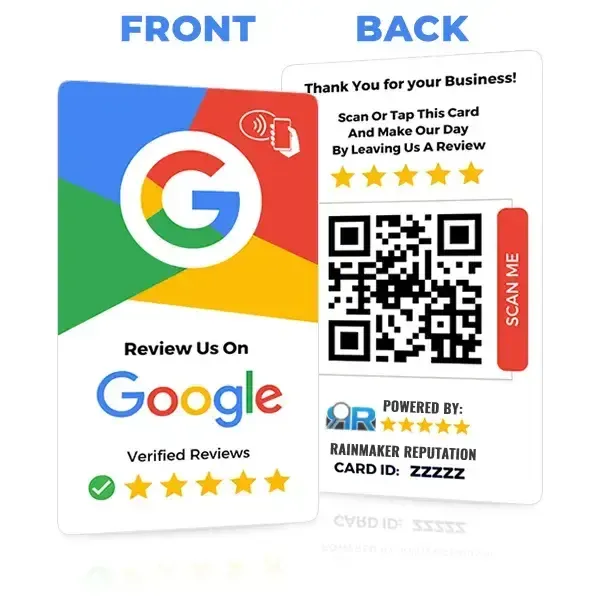


Rainmaker Reputation AI CRM is a CRM & AI Automation suite that helps Local Brands, Business Coaches & Content Creators solve the problem of how to properly connect with prospects & customers in order to build profitable momentum & growth through getting their businesses more reviews, better reputations in their markets, & automated simplified CRM processes.